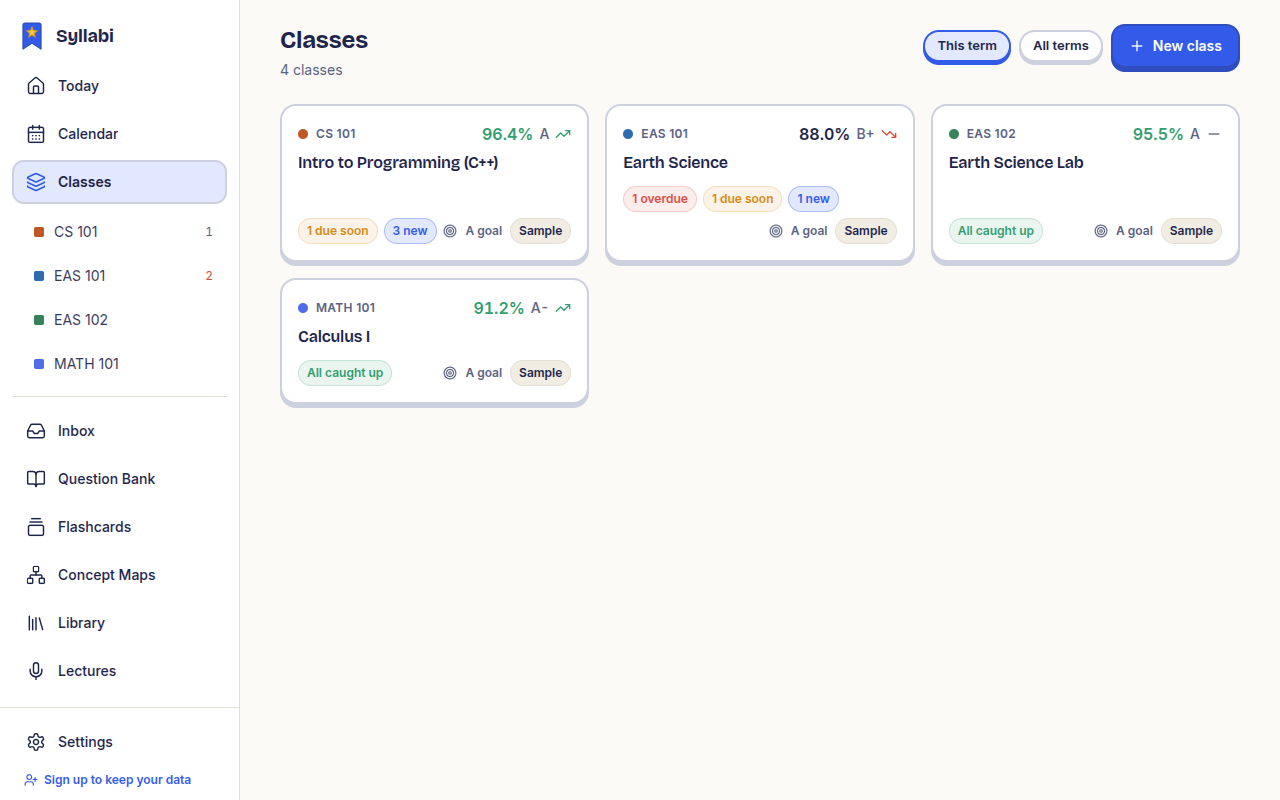
Question bank
Questions made from your own material, a spaced-repetition review queue, mock exams and weak-topic tracking.
Syllabi is an open-source study app with handwritten notebooks, an AI tutor, spaced-repetition questions and a calendar of everything due.
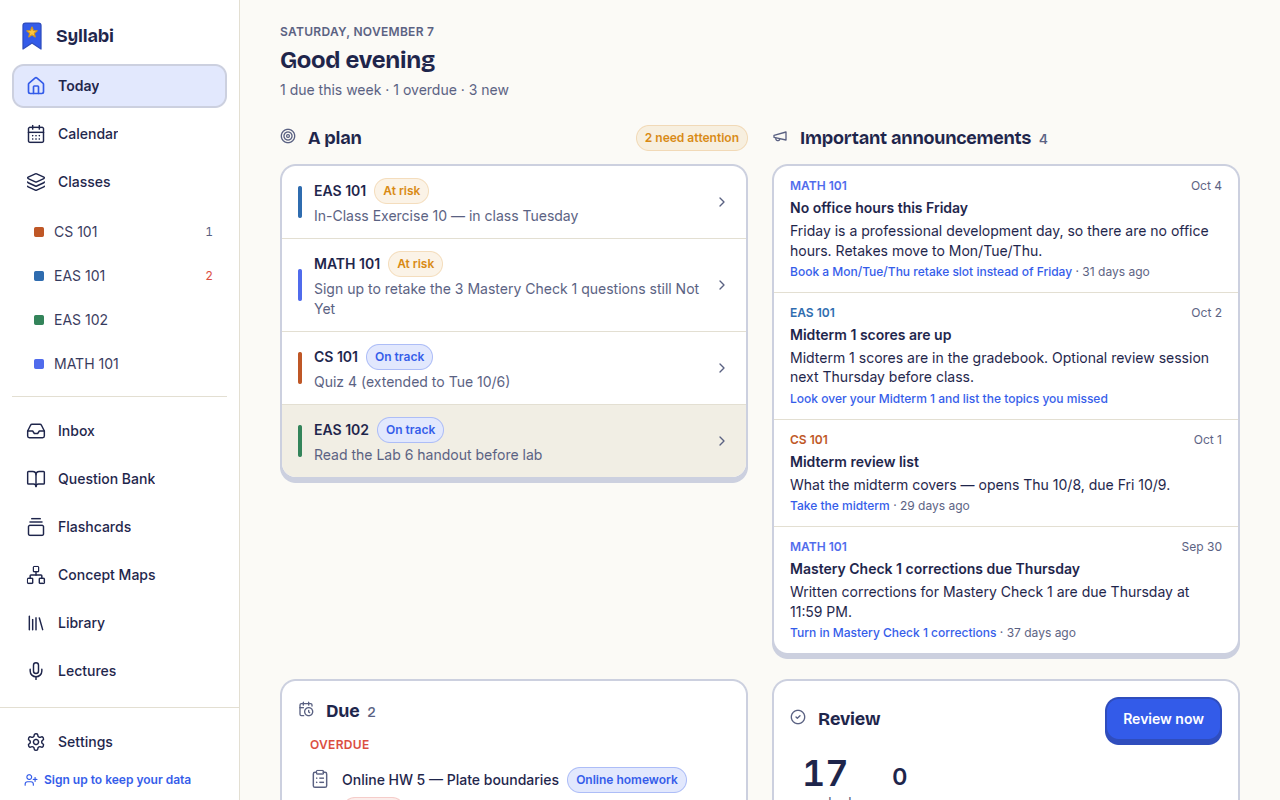
A real pen board for your tablet. Work a problem on the page, then ask the tutor about the step you are stuck on: it reads your handwriting, explains, and can draw the fix right next to yours.
Pen board. S Pen and stylus pressure, smooth ink.
Palm rejection. Rest your hand on the screen while you write.
Pages per class. A notebook for each class or lecture.
Rulers and shapes. Straight lines, angles and clean figures.
Reads your handwriting. The AI sees what you wrote on the page.
Explains and draws. Ask about a step; it answers and draws on the page.
Export to PDF. Save your pages as a PDF to share or print.
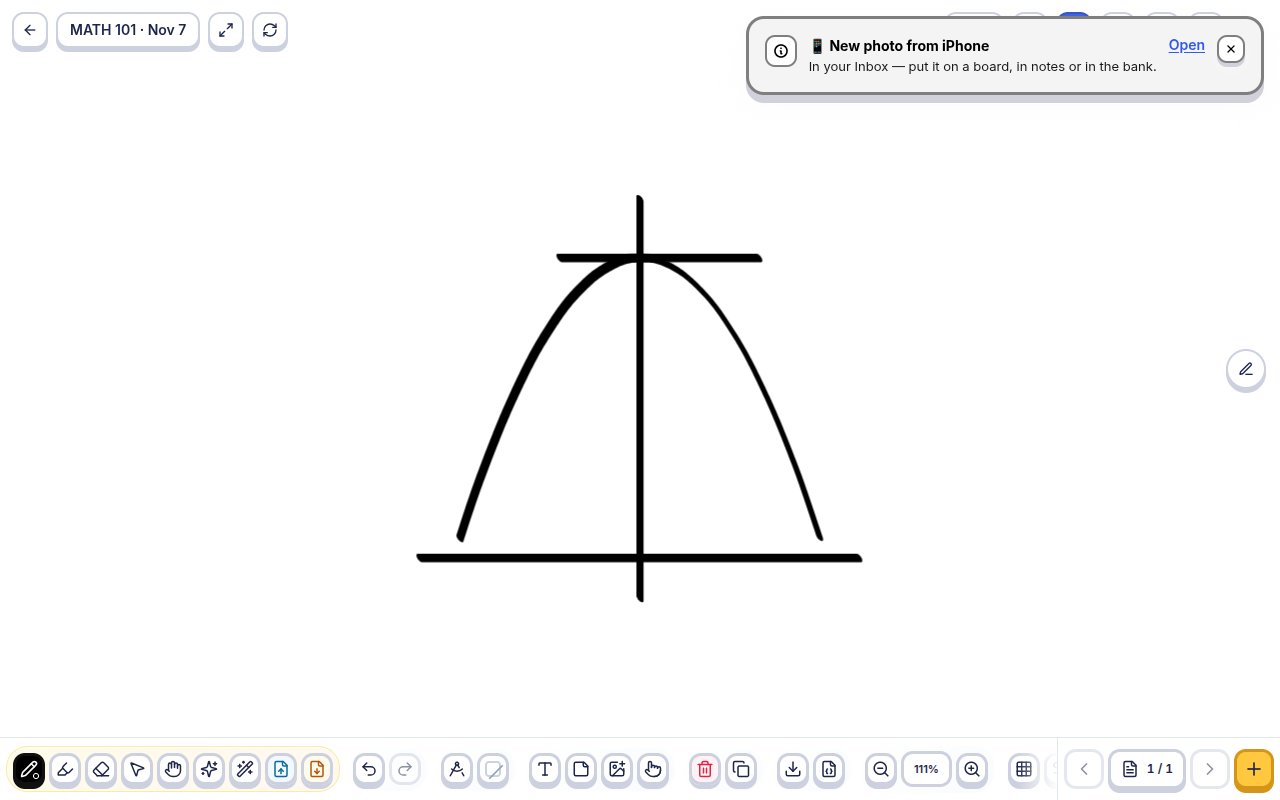
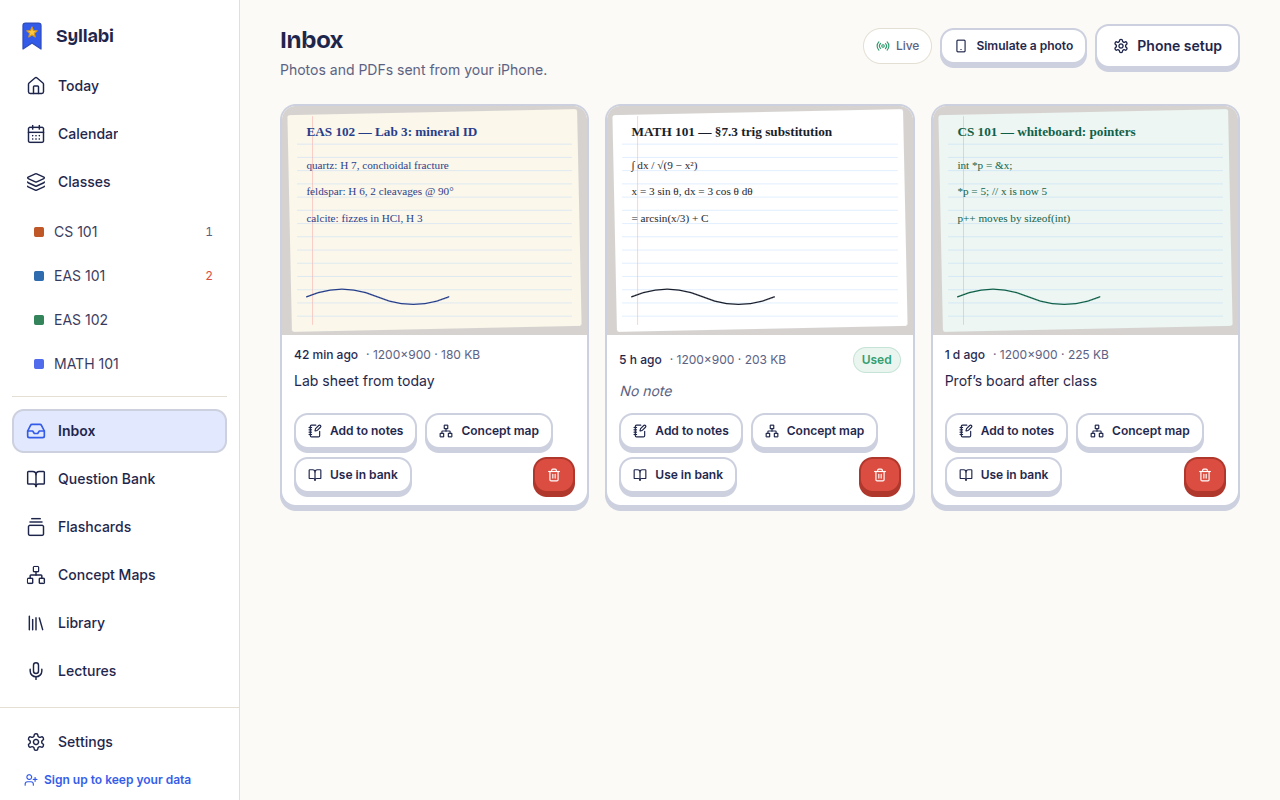
Phone inbox. Photograph a worksheet or the whiteboard on your phone. It shows up in the tablet's inbox, ready to drop onto a page.
Review on a schedule, ask when you are stuck, and see how ideas connect.
Questions made from your own material, a spaced-repetition review queue, mock exams and weak-topic tracking.
Chat about any item, lecture or notebook page. It explains what went wrong in a mistake.
For any class or topic. Draw one or start from a photo; the AI builds a reference map or checks yours.
Recordings or YouTube links become transcripts and lecture notes you can study from.
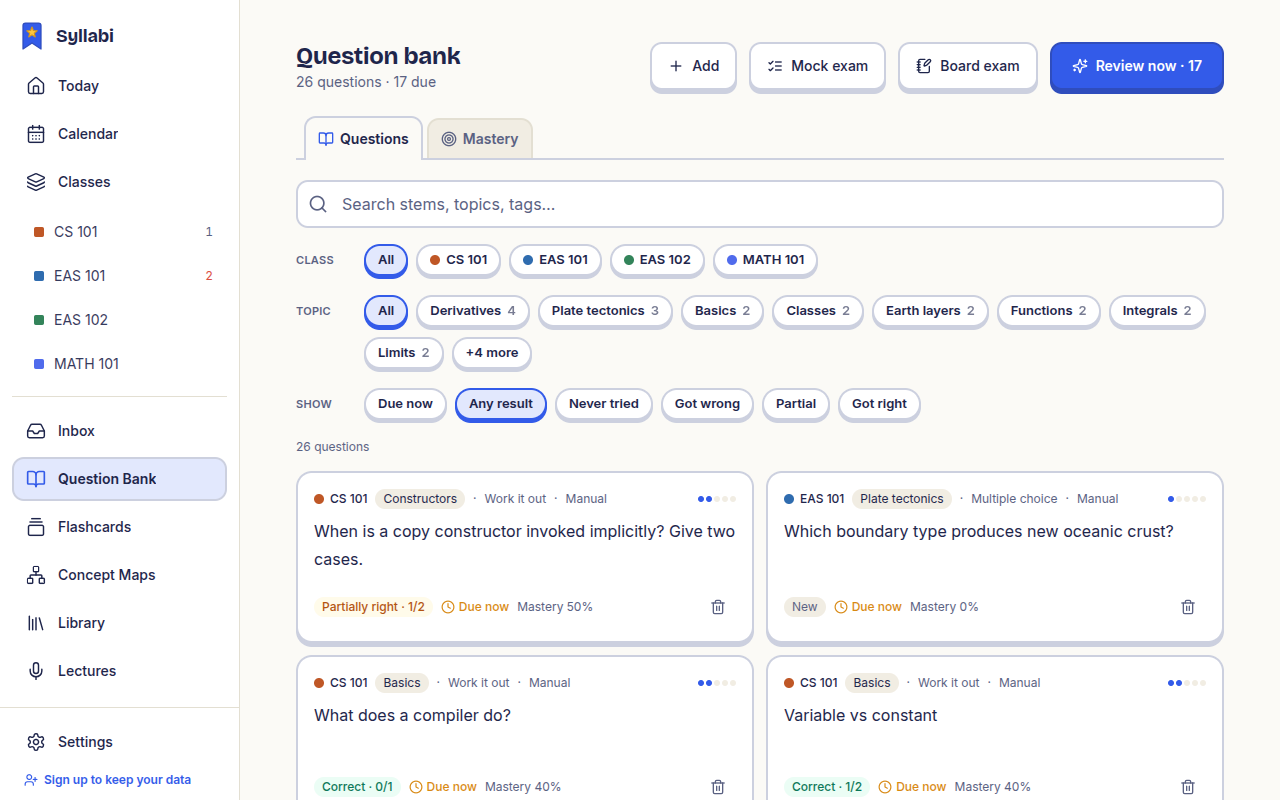
Question bank: review queue, mock exams, weak topics
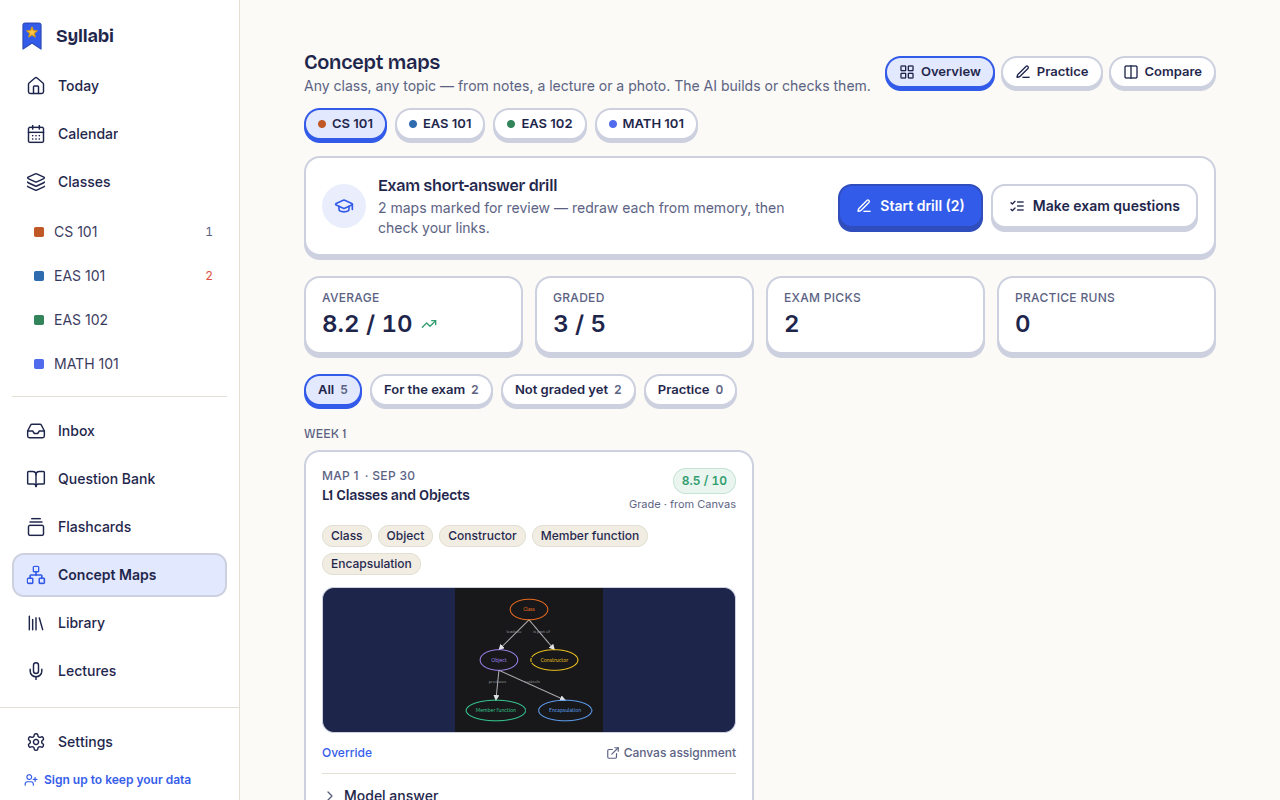
Concept maps: build one or have yours checked
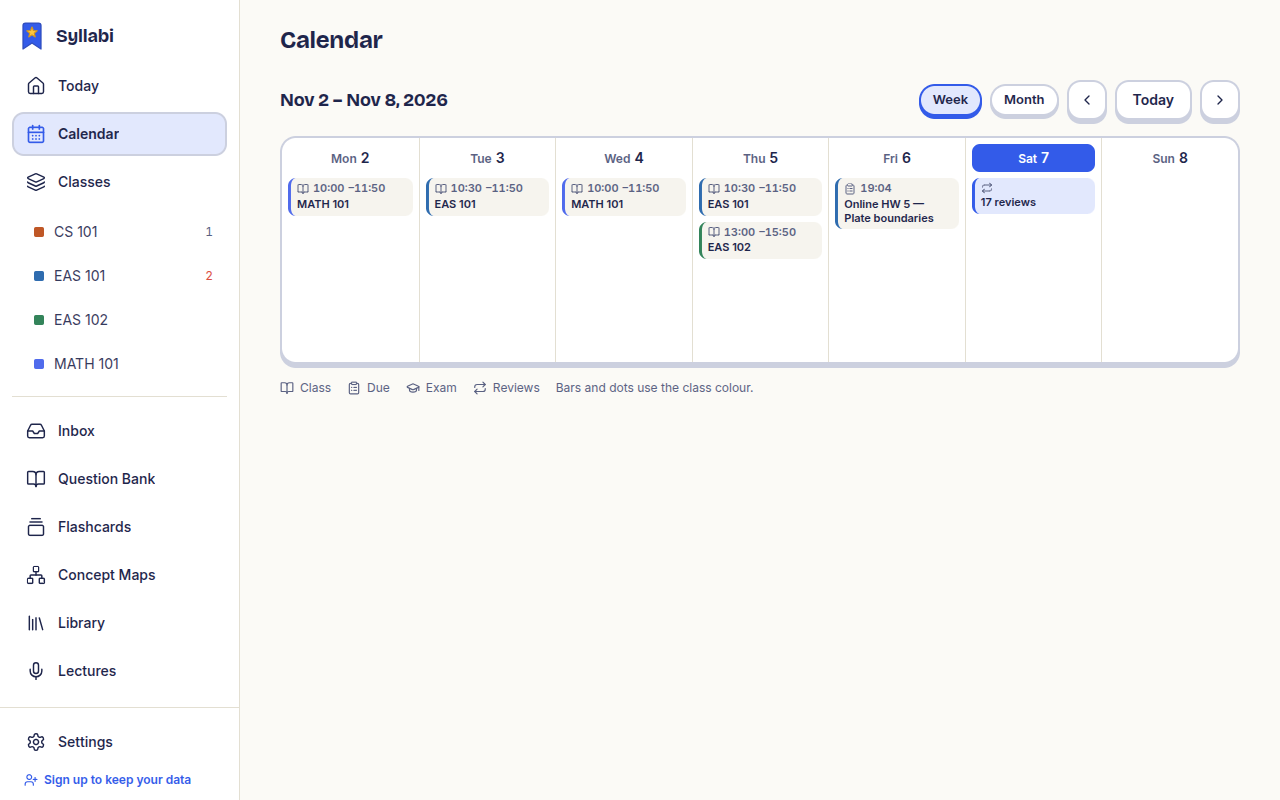
Your classes, deadlines and readings in one app, so nothing due slips past.
Grades, assignments, quizzes, files, pages and announcements sync into one place. Add manual classes for anything not on Canvas.
One screen with what is due and what to review next.
Week and month views of due dates, exams, class times and reviews, each in its class colour. Tap any entry to open it.
Every file and reading from every class, in one searchable list.
Use the app as it is, or host your own server so your notes, classes and questions stay with you.
MIT licensed. Read it, fork it, change it. The whole app is open source.
Your data on your server. apps/server is a Docker Compose stack — API, MongoDB, Redis and MinIO. Bring any OpenAI-compatible model.
Demo mode, no server needed. Without a server the app runs on built-in sample data, so you can try everything first.
Built for real student tablets. Tested on the Galaxy Tab A7 — works on older Android WebViews and stays fast on 3–4 GB of RAM.
Run the app (demo mode)
git clone https://github.com/AbdelrhmanX7/syllabi && cd syllabipnpm installpnpm dev # http://localhost:3016 — demo modeStart your own server
cd apps/server && cp .env.example .env && docker compose up -d